PC Liquid-Cooling Coolant Does Expire. Here Is When to Replace It

Published by
Kosmos Consult2 min read
Custom PC coolant is not permanent. Additive breakdown, contamination and material compatibility make regular inspection and manufacturer-guided replacement essential.
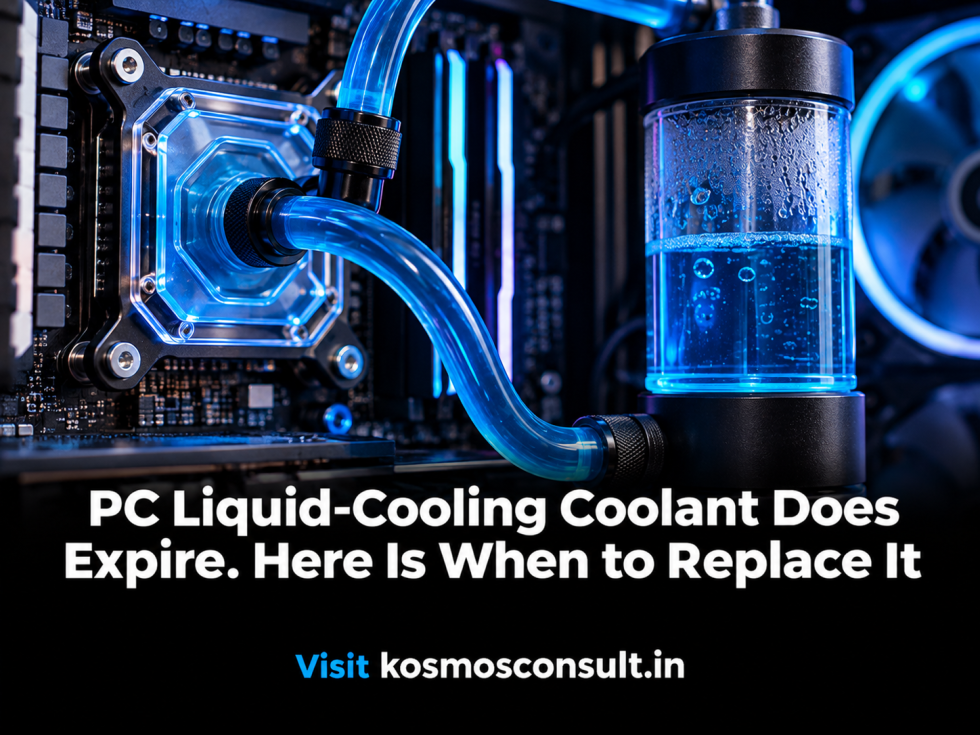
Editorial macro photograph of a custom PC liquid-cooling reservoir, clear tubing and coolant loop.
On this page
A custom liquid-cooled PC can look immaculate while its coolant quietly deteriorates. The fluid may become cloudy, particles may collect in the reservoir, and temperatures may begin rising as deposits interfere with flow.
Coolant is not a permanent component. It needs attention just like the pump, radiator and water blocks.
What Happens as Coolant Ages?
Coolants contain more than water. Depending on the formulation, they may include corrosion inhibitors, biocides, dyes and other additives designed to protect the loop.
Over time, those additives can become less effective. Contamination and material interactions can also change the fluid's properties.
The result may be biological growth, deposits, discolouration or corrosion risk. Mixing incompatible metals or using unsuitable fluids can make the situation worse.
How Often Should You Change It?
There is no single expiry date for every custom loop. The fluid formulation, materials, operating conditions and maintenance history all matter.
Corsair recommends changing coolant in a custom-cooled system every 12–24 months in its general guidance. Its Hydro X support guidance recommends a 12-month interval to remove particulate build-up and maintain thermal performance.
Follow the coolant manufacturer's instructions first. A sealed bottle's shelf life is not the same as the service life of fluid circulating through a PC.
Warning Signs That Should Not Be Ignored
Watch for:
- Cloudy or discoloured coolant.
- Visible particles in the reservoir.
- Deposits or blockages in water blocks.
- Unexpected temperature increases.
- Reduced flow or unusual pump behaviour.
- Signs of corrosion or biological growth.
These symptoms do not all point to coolant alone, but they are good reasons to inspect the loop rather than keep running it without investigation.
A Maintenance Routine That Protects the Hardware
Use coolant designed for PC liquid-cooling systems and compatible with the metals and materials in your loop. Avoid mixing products or adding household chemicals.
When replacing coolant, inspect the reservoir, tubing, fittings, radiator and water blocks. Flush components as directed by their manufacturers, and investigate any visible corrosion or deposits before refilling.
A liquid-cooled PC is a system, not a decorative aquarium. The fluid must remain compatible with the hardware and clean enough to move heat efficiently.
Reference: https://www.corsair.com/ca/en/explorer/diy-builder/custom-cooling/how-often-should-i-change-coolant-in-a-custom-cooled-system/ Corsair Hydro X FAQ: https://help.corsair.com/hc/en-us/articles/360029363971-Hydro-X-Custom-cooling-FAQ