Your AirPods Battery Is Wearing Out. Here Is How to Slow It Down

Published by
Kosmos Consult3 min read
AirPods use small lithium-ion batteries that gradually lose capacity. Charging protections, sensible temperature habits and timely servicing can help extend their useful life.
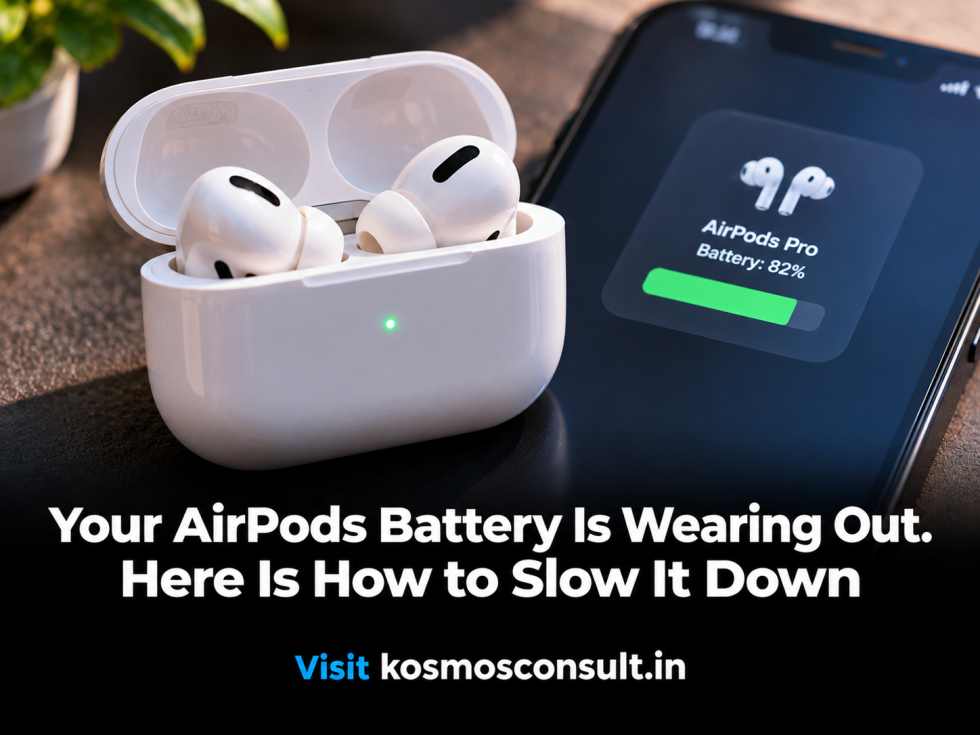
Close-up editorial photograph of wireless earbuds and their charging case, with no added labels.
On this page
AirPods are small, convenient and easy to forget about until their battery starts failing. One earbud begins dying before the other. The charging case no longer lasts as long. A device that once handled a full commute now needs to be charged halfway through the day.
That is not necessarily a defect. It is the ordinary ageing of a small lithium-ion battery.
Why AirPods Batteries Lose Capacity
Lithium-ion batteries gradually lose their ability to hold energy. Every charge and discharge contributes to chemical ageing, while heat and prolonged periods at a high state of charge can accelerate the process.
AirPods face a particular challenge because each earbud contains a very small battery. The charging case adds another battery that must also age over time.
There is no universal expiry date. Usage patterns, temperature, charging habits and the specific AirPods model all influence how long the batteries remain useful.
Use Apple's Charging Protections
Apple's Optimized Battery Charging feature reduces the amount of time supported AirPods spend fully charged. It learns your daily routine and delays the final part of charging until shortly before you are likely to use the earbuds.
AirPods Pro 3 also support an Optimized Charge Limit that adapts to usage patterns. Apple says these features are designed to reduce battery wear and preserve lifespan.
Check the settings on your connected iPhone or iPad. Depending on the model and software version, you can find the charging options by opening Settings and selecting your AirPods.
Heat Is a Battery's Quiet Enemy
Avoid leaving AirPods or their charging case in direct sunlight, a hot vehicle or another environment where temperatures can climb sharply.
Heat can accelerate the chemical reactions that degrade lithium-ion batteries. Apple's battery guidance also warns that high temperatures can permanently reduce battery capacity.
Keep the case clean and dry, use reliable charging accessories, and avoid exposing the earbuds to unnecessary moisture. Cleaning the charging contacts can also prevent charging interruptions that look like battery problems.
When Should You Replace Them?
If one earbud drains dramatically faster than the other, the case struggles to hold a charge, or the listening time has become impractical, it may be time to seek service.
Apple offers AirPods service and battery-related support, though the available repair or replacement options depend on the model, coverage and inspection results.
The goal is not to keep a tiny battery alive forever. It is to avoid needless wear and get the longest sensible service life from a device that is difficult to repair at home.
Reference: https://support.apple.com/en-ph/119912 Apple battery information: https://www.apple.com/ph/batteries/